

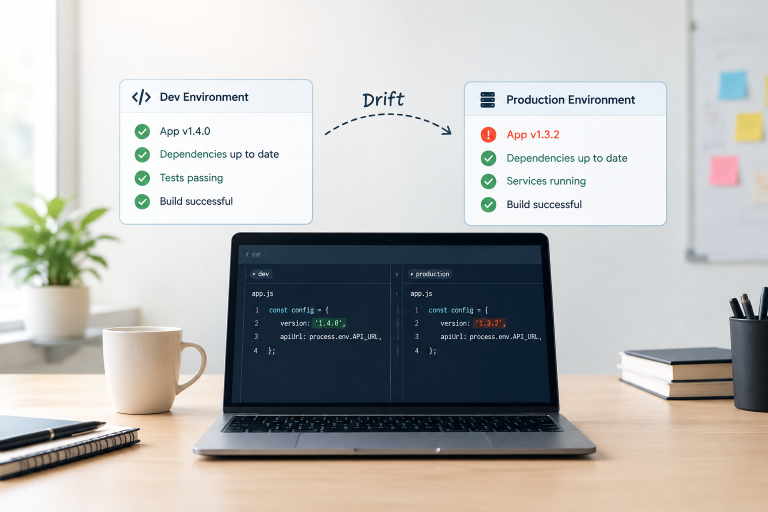
Why Dev and Production Environments Drift
It’s 11:47pm. The deploy that passed every test an hour ago just took production down. Nobody can figure out why, because nothing in staging looked like this. Someone finally says…
Read article →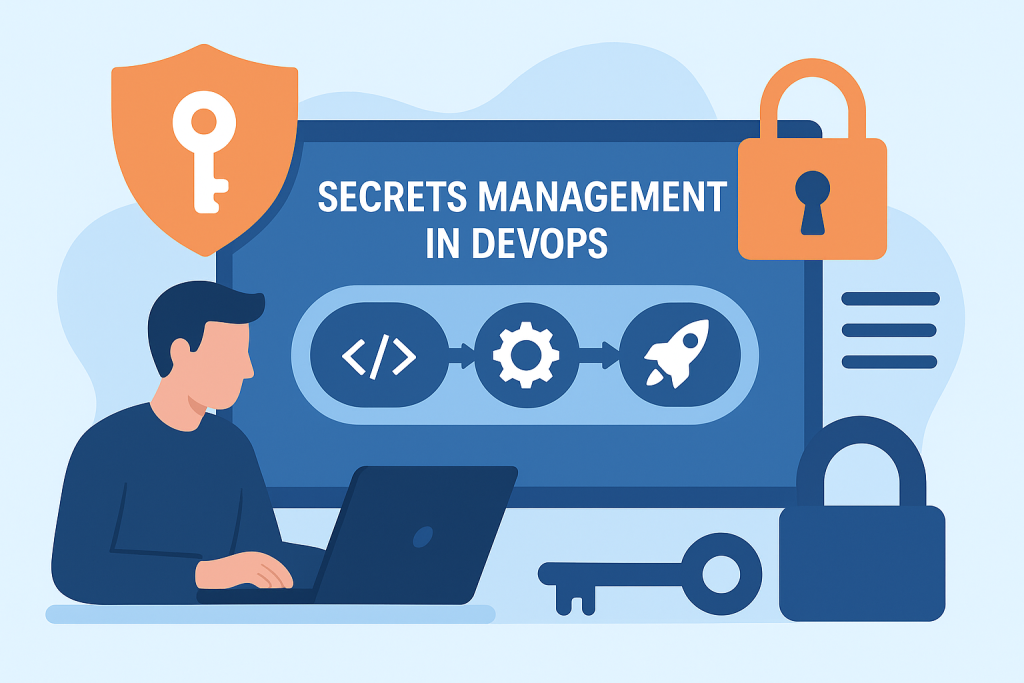
Over 10 million secrets were leaked on public GitHub repositories in 2024 alone and the average breach involving stolen credentials now costs $4.3 million. In DevOps environments where code ships in hours and infrastructure spins up in seconds, a single exposed API key or cloud token can hand attackers the keys to your entire production system. This guide covers 7 proven secrets management practices that mature DevOps teams use to keep credentials safe across every stage of the CI/CD pipeline with a plain-English comparison of the top tools available in 2026
But inside these pipelines, often hidden in plain sight, lie some of the most dangerous vulnerabilities in your environment — secrets.
Secrets are the credentials, tokens, keys, and sensitive configurations that enable your applications and automation to function:
If exposed, these secrets can be a direct gateway for attackers into your production systems, cloud accounts, and sensitive data.
Unfortunately, secret leakage is one of the most common and costly DevOps mistakes — often caused by storing them in plain text inside code repositories, configuration files, or pipeline variables without proper security.
According to GitGuardian’s 2024 report, over 10 million secrets were leaked on public GitHub repos in a single year. Moreover, even private repos are not immune, since insider threats, accidental pushes, and compromised developer accounts can also lead to exposure.
Microservices, containers, and serverless applications require each service to authenticate with others. Consequently, this results in more API tokens, more credentials, and more opportunities for mismanagement.
For instance, in a Kubernetes environment, leaving a database password in a ConfigMap (stored in etcd without encryption) makes it easily retrievable by anyone with read access to the cluster.
Standards like PCI DSS, HIPAA, ISO 27001, and GDPR require strict protection of sensitive credentials. Failing to manage secrets securely can result in hefty fines, the loss of certifications, or even mandatory public breach disclosures.
The 2024 IBM Cost of a Data Breach report estimates that breaches involving stolen or compromised credentials cost over $4.3 million on average. Furthermore, in DevOps environments, a single leaked cloud access key can enable attackers to spin up infrastructure, exfiltrate data, or even destroy critical workloads in minutes.
Secrets Management in DevOps is the end-to-end process of securely creating, storing, distributing, rotating, and auditing credentials used by applications and infrastructure.
Some of the most important principles include:
Use dedicated secret management platforms instead of storing secrets in:
● Git repositories.
● Plain-text config files.
● Environment variables in CI/CD tools without encryption.
Popular Secrets Management Tools in 2026
| Tool | Best For | Key Strength | Auto-Rotation | Kubernetes Native |
|---|---|---|---|---|
| HashiCorp Vault | Multi-cloud, complex environments | Most flexible, open source core | ✅ Yes | ✅ Via Agent/CSI |
| AWS Secrets Manager | AWS-native teams | Tight IAM integration, zero config | ✅ Yes | ⚠️ With ASCP |
| Azure Key Vault | Azure-native teams | Seamless Azure DevOps integration | ✅ Yes | ⚠️ With CSI driver |
| Google Secret Manager | GCP workloads | Simple API, low overhead | ✅ Yes | ⚠️ With addon |
| External Secrets Operator | Kubernetes-first teams | Syncs external secrets into K8s natively | ✅ Via source | ✅ Yes |
| 1Password Secrets Automation | Small-mid teams | Developer-friendly UX | ❌ Manual | ⚠️ Limited |
Which one should you use?
Secrets should always be encrypted:
● At rest – Using strong encryption algorithms (AES-256).
● In transit – Using TLS 1.2+ for secure communication between pipeline components.
Instead of static, long-lived credentials, generate secrets on demand with short lifetimes.
Example:
● A database credential valid only for the duration of a CI/CD job.
● AWS temporary security credentials generated via IAM roles.
Example: Teams using AWS Cloud Services can combine IAM roles with AWS Secrets Manager for fully automated ephemeral credential workflows
Rotation reduces the damage window if a secret is compromised.
● Rotate keys every 90 days (or faster for high-risk environments).
● Automate rotation using vault tools or cloud provider services.
Integrate your secret manager with an Identity and Access Management (IAM) system to:
● Ensure only authorized services/users can retrieve specific secrets.
● Limit scope: API tokens should only allow the minimum actions needed.
Integrate tools into your CI/CD workflow to detect accidental secret exposure in code:
● TruffleHog – Scans repos for sensitive data.
● Gitleaks – Detects hardcoded credentials.
● GitGuardian – Real-time monitoring of GitHub repos.
For organizations leveraging CI/CD pipeline as a service, embedding these scanning tools directly into the managed workflow ensures secrets are never overlooked, even when teams scale rapidly across multiple environments.
A strong audit trail should capture multiple details: who accessed the secret, when and from where it was accessed, and what specific secret was retrieved.
A well-secured CI/CD pipeline should manage secrets at every stage:
1. Source Control Stage
● No hardcoded credentials in repositories.
● Git hooks to scan commits for secrets before pushing.
2. Build Stage
● Pull secrets dynamically from a vault during the build process.
● Store them only in memory, never in build artifacts.
3. Test Stage
● Use separate, limited-scope credentials for testing environments.
● Rotate these frequently to prevent reuse in other contexts.
4. Deploy Stage
● Deploy secrets securely to production without exposing them in logs.
● Use encrypted environment variables or Kubernetes Secrets (with encryption at rest enabled).
5. Run Stage
● Continuously monitor secret usage in production.
● Revoke unused or suspicious credentials immediately.
If your team runs workloads on Kubernetes, External Secrets Operator (ESO) is worth knowing about. It’s a Kubernetes operator that pulls secrets from external providers- HashiCorp Vault, AWS Secrets Manager, GCP Secret Manager, and others and automatically syncs them into Kubernetes Secrets objects.
Why this matters: native Kubernetes Secrets are base64-encoded, not encrypted by default. ESO solves this by keeping the actual secret value in your external vault and only materialising it inside the cluster when needed.
A basic ESO workflow looks like this:
ExternalSecret resource in your cluster pointing to your vaultThis means your developers never touch raw credentials 0 the operator handles the entire lifecycle. For teams already using Vault or AWS Secrets Manager, ESO is the cleanest way to bridge those tools into Kubernetes without custom scripts or init containers.
Sygitech’s Devops as a service include secrets management setup and Kubernetes security hardening as part of our managed DevOps engagements.
A secure secrets management workflow might look like this:
By 2025, AI-driven secret management tools can:
● Detect anomalous secret usage patterns (e.g., an API key accessed from an unusual IP).
● Auto-revoke compromised credentials based on risk scores.
● Generate dynamic secrets policies optimized for each environment.
● Assist in secret sprawl detection by scanning codebases and logs.
Example: AI-enhanced scanning tools can find credentials accidentally logged during debug sessions, even if they are masked in standard output.
Developers should be trained not only in how to use secret management tools but also in why it matters.
Assign security advocates in each team to enforce best practices.
This cultural shift becomes even more critical for companies adopting DevOps as a service, where external providers help standardize automation, compliance, and secrets management across complex delivery ecosystems
Make the secure path the easiest one:
● Pipelines preconfigured to pull secrets from the vault.
● Local development environments using temporary credentials.
Solution: Integrate secret retrieval directly into pipeline automation so developers never need to handle them manually.
Solution: Use wrapper scripts or proxy services that fetch secrets securely and pass them to legacy tools.
Solution: Implement secret inventory management and periodic audits.
Therefore, organizations that partner with managed IT services providers often gain an edge, since these providers bring in automated secret rotation, centralized vaulting, and continuous compliance checks without slowing down delivery pipelines.
In the DevOps world, where automation is king and speed is the competitive edge, secrets are the invisible glue holding systems together. But if that glue is exposed, the entire structure can fall apart.
Secrets management is not just a security task — it is a business survival strategy. Indeed, a single leaked API key or cloud credential can cause millions in damages and destroy customer trust.
Therefore, by centralizing storage, enforcing least privilege, automating rotation, and integrating secrets scanning into every stage of the CI/CD pipeline, organizations can reduce risk dramatically.
In 2025, the most mature DevOps teams treat secrets as ephemeral, encrypted, and monitored assets — not static strings in config files. Because in the race to deliver faster, the real winners are the ones who deliver safely.
It’s 11:47pm. The deploy that passed every test an hour ago just took production down. Nobody can figure out why, because nothing in staging looked like this. Someone finally says…
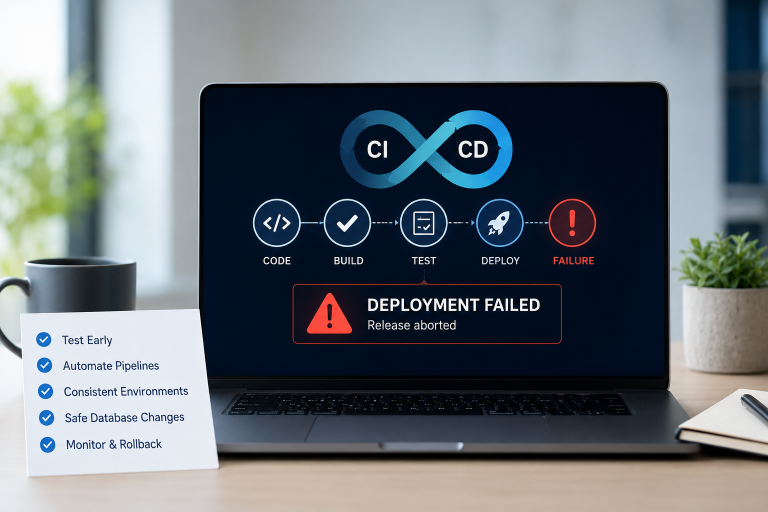
Read article →One bad release is all it takes to ruin a normal day at work. The build passes, the deploy goes out, and a few minutes later something breaks. Maybe checkout…
Read article →Nobody joins an engineering team because they love restarting servers at midnight. They join because they want to build things. Yet if you sit in on a few sprint planning…
Read article →Tell us where you are and what's slowing you down. A senior engineer will get back to you within one business day.
Our team will get back to you within one business day.

Leave a Reply