
Cloud computing is the delivery of computing services — servers, storage, databases, networking, software, and more — over the internet, rather than running them on hardware you own or manage yourself. Instead of buying physical servers or installing software on every machine, you access these resources on demand from a provider's data center, paying only for what you use.
If your business stores files on Google Drive, runs software through a web browser, or uses a hosted email platform, you are already using cloud computing. The cloud computing definition is simple at its core: computing power and storage delivered as a service over the internet.
This guide covers exactly how cloud computing works, the different types and service models available, the real benefits for small businesses, SaaS companies, and ecommerce operations, and how to choose the right approach for your situation.
What Is Cloud Computing?
The cloud computing definition, as recognized by the National Institute of Standards and Technology (NIST), describes it as a model for enabling ubiquitous, convenient, on-demand network access to a shared pool of configurable computing resources. Those resources can be rapidly provisioned and released with minimal management effort.
Put plainly: cloud computing means renting computing power from someone else's infrastructure instead of building and maintaining your own.
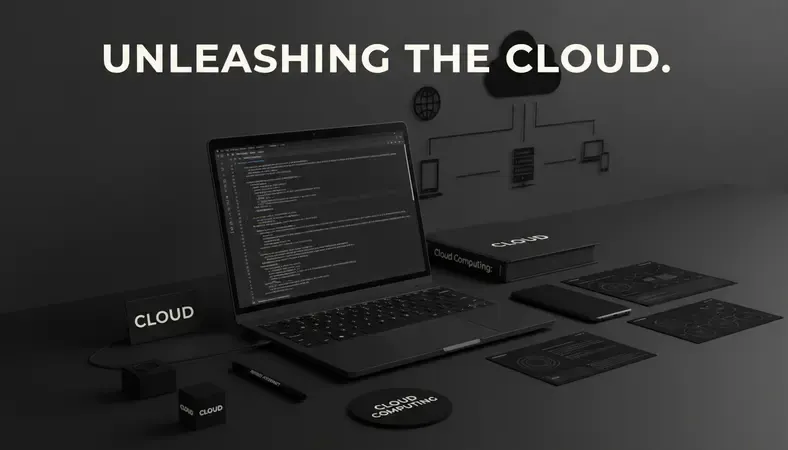
The term "cloud" refers to the internet — a visualization convention from network diagrams where the internet was drawn as a cloud shape. Cloud technology meaning, in practical terms, is access to remote servers that store data and run applications, accessible from any device with an internet connection.
Before cloud computing became mainstream, a small business that needed a web server had to buy physical hardware, install it in an office or data center, hire someone to maintain it, and replace it every few years. A SaaS company had to provision its own infrastructure before it could write a single line of code. Ecommerce businesses faced massive upfront costs just to handle traffic spikes during sales events.
Cloud computing changed that entirely. You provision a server in minutes, scale it up during peak traffic, scale it back down when demand drops, and pay only for the hours you actually used it.
Key Insight: According to Gartner, worldwide public cloud services spending is projected to exceed $675 billion — a clear signal that cloud computing has become the default infrastructure model for businesses of every size.
How Does Cloud Computing Work?
Cloud computing works by virtualizing physical hardware in large data centers and making that capacity available to customers over the internet.
Here is the process, step by step:
-
Virtualization creates multiple virtual machines from one physical server. A single physical server can run dozens of isolated virtual environments simultaneously. Each customer gets their own virtual machine without sharing access to anyone else's data.
-
Resources are pooled and allocated on demand. When you request a server, the cloud provider's management software allocates CPU, memory, and storage from the shared pool and provisions it to your account — typically in under two minutes.
-
You access resources through an API or web console. You do not interact with physical hardware. You interact with a software interface that controls the virtual resources assigned to you.
-
Billing is metered by usage. Most cloud providers charge by the hour or by the second. You pay for the compute time, storage space, and data transfer you actually consume.
-
Redundancy and failover happen automatically. Cloud providers replicate your data across multiple physical locations. If one server fails, your workload shifts to another without interruption.
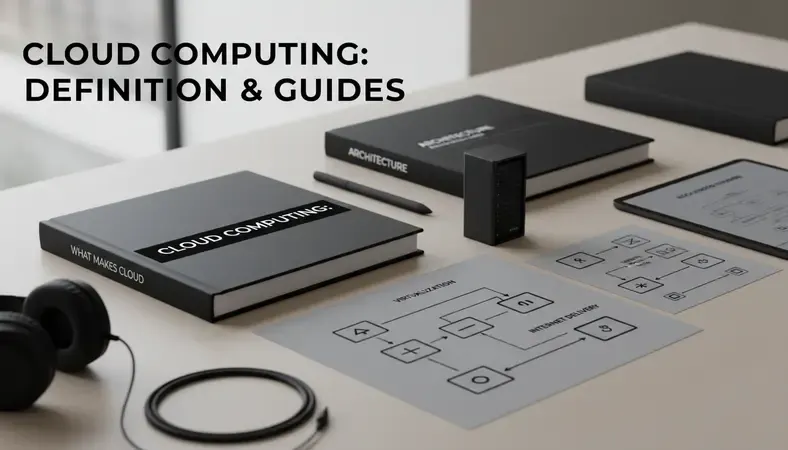
This architecture is what makes cloud computing fundamentally different from traditional on-premise IT. You are not managing hardware — you are consuming a service.
Types of Cloud Computing
Cloud computing described at the infrastructure level comes in three deployment models. Choosing the right one depends on your security requirements, budget, and how much control you need.
Comparison of Cloud Deployment Models
| Deployment Model | Who Manages the Infrastructure | Best For | Key Trade-off |
|---|---|---|---|
| Public Cloud | Cloud provider | Startups, SaaS companies, ecommerce | Lower cost, less control |
| Private Cloud | Your organization (or a managed provider) | Regulated industries, large enterprises | More control, higher cost |
| Hybrid Cloud | Shared between provider and organization | Businesses with mixed workloads | Flexibility, added complexity |
| Multi-Cloud | Multiple cloud providers | Risk distribution, best-of-breed services | Management overhead |
Public cloud is the most common model. Providers like AWS, Microsoft Azure, and Google Cloud own and operate the infrastructure. You share physical hardware with other customers through virtualization, but your data and workloads are isolated. Public cloud is where most small businesses and SaaS companies start because the upfront cost is zero and the scalability is immediate.
Private cloud means the infrastructure is dedicated exclusively to your organization. You get more control over security configurations and compliance, but you take on more responsibility for management — either running it yourself or paying a managed cloud services provider to run it for you.
Hybrid cloud combines public and private infrastructure. A business might keep sensitive customer data on a private cloud while running its web application on public cloud infrastructure. This model is common in financial services, healthcare, and any industry with strict data residency requirements.
Cloud Computing Service Models: IaaS, PaaS, and SaaS
Beyond deployment types, the cloud computing definition also covers three service models that describe what the provider manages versus what you manage.
IaaS — Infrastructure as a Service
IaaS gives you raw infrastructure: virtual servers, storage, and networking. You manage the operating system, middleware, runtime, and applications. The provider manages the physical hardware and virtualization layer.
Best for: Businesses that need full control over their environment. A SaaS company building a custom application on AWS EC2 is using IaaS.
PaaS — Platform as a Service
PaaS adds a managed layer on top of IaaS. The provider manages the operating system and runtime environment. You focus entirely on deploying and managing your application.
Best for: Development teams that want to build and deploy applications without managing servers. Google App Engine and AWS Elastic Beanstalk are PaaS examples.
SaaS — Software as a Service
SaaS is the cloud computing model most consumers interact with daily. The provider manages everything — infrastructure, platform, and the application itself. You simply use the software through a browser or app.
Best for: Businesses that need ready-to-use software without any infrastructure responsibility. Gmail, Salesforce, and Shopify are all SaaS products.
IaaS vs. PaaS vs. SaaS at a Glance
| What You Manage | IaaS | PaaS | SaaS |
|---|---|---|---|
| Applications | You | You | Provider |
| Runtime & Middleware | You | Provider | Provider |
| Operating System | You | Provider | Provider |
| Virtualization & Hardware | Provider | Provider | Provider |
Understanding where your responsibilities start and end is critical when evaluating cloud solutions. The further right you move on this spectrum, the less you manage — but also the less control you have.
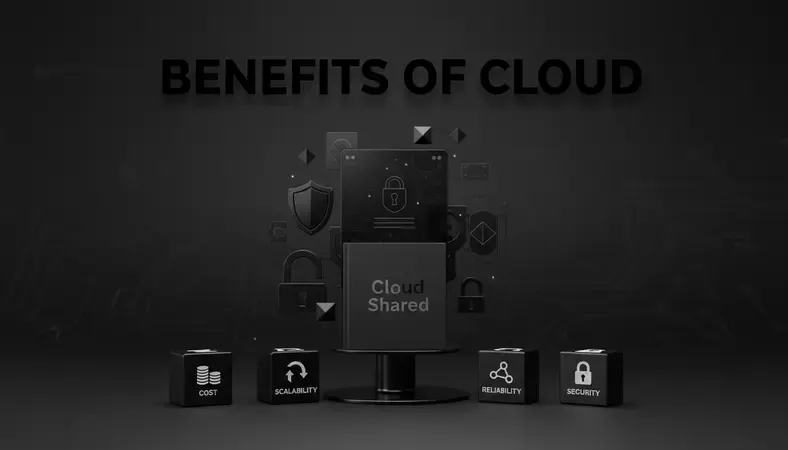
Benefits of Cloud Computing
The cloud computing definition only tells you what it is. Here is why businesses actually adopt it.
-
Cost reduction: You eliminate capital expenditure on hardware. A small business that previously needed a $15,000 server refresh every three years now pays a predictable monthly bill based on actual usage.
-
Scalability on demand: An ecommerce business can scale its server capacity up by 10x for a flash sale and back down the same evening. No manual provisioning, no wasted capacity.
-
Geographic reach: Cloud providers operate data centers across multiple regions. Deploying your application closer to your users in India, the US, or Europe takes minutes, not months.
-
Reliability and uptime: Major cloud providers offer 99.9% to 99.99% uptime SLAs. Redundant infrastructure means a single hardware failure does not take your service offline.
-
Security at scale: Cloud providers invest billions in physical and digital security — far more than any individual small business could. That said, security in the cloud is a shared responsibility. For a detailed breakdown of how to protect your workloads, the guide on How to Secure Cloud Server covers the practical steps.
-
Automatic updates: Software and security patches are applied by the provider. Your team does not spend weekends patching servers.
-
Collaboration: Teams across multiple offices or countries access the same files, applications, and data in real time. This is especially valuable for SaaS product companies with distributed engineering teams.
Cloud Computing vs. On-Premise Solutions
Cloud solutions explained in isolation can sound universally better than on-premise. The reality is more nuanced.
On-premise infrastructure means you own the hardware, it sits in your office or a colocation facility, and your team manages everything. This model is not obsolete — it is the right choice in specific situations.
| Factor | Cloud Computing | On-Premise |
|---|---|---|
| Upfront cost | Low (pay-as-you-go) | High (hardware purchase) |
| Ongoing cost | Variable, based on usage | Predictable (hardware + staff) |
| Scalability | Immediate, on demand | Requires hardware procurement |
| Control | Limited by provider policies | Full control |
| Security compliance | Shared responsibility model | Your full responsibility |
| Setup time | Minutes to hours | Days to weeks |
| Internet dependency | Required | Not required |
Cloud computing wins on speed, scalability, and upfront cost. On-premise wins on control, predictable long-term costs for stable workloads, and situations where internet connectivity is unreliable or where data cannot leave a specific physical location.
For most small businesses, SaaS companies, and ecommerce operations, cloud computing delivers better outcomes at lower cost. The exceptions are businesses with very stable, predictable workloads at high volume — at a certain scale, owning your infrastructure can be cheaper than renting it.
Common Cloud Computing Providers
The cloud computing description would be incomplete without naming the major platforms. These three providers account for the majority of global cloud infrastructure market share, according to Statista's cloud infrastructure market data.
-
Amazon Web Services (AWS): The largest cloud provider globally. AWS offers over 200 services spanning compute, storage, databases, machine learning, and networking. It is the default choice for many SaaS startups and ecommerce platforms because of its breadth of services and extensive documentation.
-
Microsoft Azure: The second-largest provider. Azure integrates deeply with Microsoft's enterprise software ecosystem — Windows Server, Active Directory, Microsoft 365. Businesses already running Microsoft infrastructure often find Azure the most natural migration path.
-
Google Cloud Platform (GCP): Google's cloud offering is particularly strong in data analytics, machine learning, and Kubernetes-based container workloads. GCP's global network infrastructure delivers consistently low latency for applications with international users.
Beyond these three, specialized providers serve specific needs. Cloudflare leads in content delivery and edge computing. DigitalOcean and Linode (now Akamai Cloud) offer simpler, more developer-friendly environments at lower price points — popular with small teams and individual developers.
Choosing between providers depends on your existing technology stack, the specific services you need, your team's expertise, and where your users are located. Many businesses use two or more providers for different workloads — a model called multi-cloud.
Common Questions About Cloud Computing
Is cloud computing the same as the internet?
No. The internet is the network that connects devices globally. Cloud computing uses the internet as its delivery mechanism, but it refers specifically to the computing resources — servers, storage, applications — hosted in remote data centers and accessed over that network. You need the internet to reach cloud services, but the cloud is the infrastructure and software sitting at the other end of that connection.
Is cloud computing safe for storing sensitive business data?
Cloud computing can be very secure, but security depends on how you configure and manage your environment. Major providers invest heavily in physical security, encryption, and compliance certifications. The shared responsibility model means the provider secures the infrastructure, while you are responsible for access controls, encryption of your data, and proper configuration. Misconfigured storage buckets and weak access policies are the most common causes of cloud data breaches — not provider-side failures.
What is the difference between cloud computing and managed cloud services?
Cloud computing refers to the infrastructure and platform itself. Managed cloud services means a third-party provider — like Sygitech — manages that infrastructure on your behalf. You get the benefits of cloud computing without needing an in-house team to provision, monitor, patch, and optimize your environment. For small businesses and SaaS companies without dedicated DevOps engineers, managed cloud services close that gap.
Can a small business in India benefit from cloud computing?
Absolutely. AWS, Azure, and Google Cloud all operate data centers in India, which means low-latency access for Indian users without routing traffic internationally. Small businesses in India benefit from the same scalability and cost advantages as larger enterprises — often more so, because the alternative (buying and managing local hardware) is expensive relative to business size. The pay-as-you-go model is particularly well-suited to businesses with variable or growing workloads.
How does cloud computing relate to hosting?
Traditional web hosting is a narrow subset of cloud computing. A hosting provider gives you space on a server to run a website. Cloud computing encompasses that but extends far beyond it — databases, machine learning APIs, serverless functions, global content delivery, and much more. If you are deciding between Shared Vs Dedicated Hosting for your website, cloud hosting adds a third option: elastic infrastructure that scales automatically based on traffic.
Key Takeaways
Cloud computing gives businesses access to scalable, reliable computing infrastructure without the cost and complexity of owning hardware. The cloud computing definition covers everything from virtual servers and databases to fully managed software — and the right model depends on your workload, budget, and how much you want to manage yourself.
Move your infrastructure to the cloud with Sygitech — get expert-managed cloud services that handle provisioning, monitoring, and optimization so your team focuses on building your product, not managing servers. Ready to get started? Visit Sygitech to learn more.