

Why Cloud Resources Keep Growing
Monday morning, your finance lead sends a message. The cloud bill jumped again, and she wants to know why. You open the console and scroll through hundreds of resources. You…
Read article →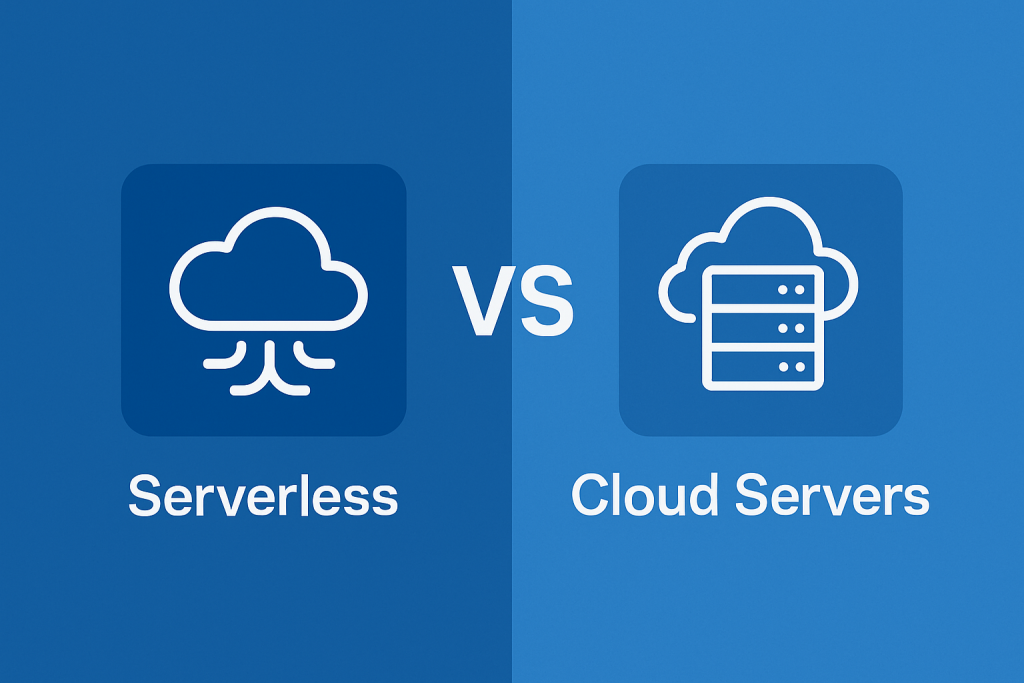
In the fast-changing world of cloud computing, enterprises are faced with a big question: Serverless vs Cloud Servers—which is the better choice? Both options have their strengths, and the right choice really comes down to what a business needs whether it is cost-efficiency, scalability, performance, or ease of management.
As more companies make the move to the cloud, it becomes essential to understand how serverless computing compares with cloud servers (like IaaS and PaaS). In this blog, we will break down the differences, highlight the pros and cons, and take a look at what enterprises are leaning toward today.
Cloud servers, sometimes referred to as Platform-as-a-Service (PaaS) or Infrastructure-as-a-Service (IaaS), entail renting virtual machines (VMs) or managed services from cloud providers such as Microsoft Azure VMs, Google Compute Engine, or AWS EC2.
Key features:
Developers can run code without having to worry about maintaining servers thanks to serverless computing, also known as function-as-a-service, or FaaS. Infrastructure management, patching, and scaling are automatically handled by cloud providers.
Key features:
| Feature | Cloud Servers | Serverless Computing |
| Infrastructure Control | You have full control over the operating system, runtime, network configurations, and security patches—ideal for applications needing fine-tuned setups. | Infrastructure is abstracted away; developers do not see or manage the servers running their code, which reduces control but simplifies management. |
| Scalability | Scaling typically requires configuring auto-scaling groups or manually provisioning additional resources, which can be complex for fast-changing workloads. | Automatically scales up or down based on demand—perfect for unpredictable traffic spikes or periodic workloads without manual intervention. |
| Pricing Model | You pay for server uptime (hourly/monthly), whether your application is active or not, which can lead to wasted resources during idle periods. | You are billed only when the code runs, down to milliseconds—ideal for event-driven or occasional workloads with cost efficiency in mind. |
| Startup Latency | Cloud servers remain active and responsive, offering low-latency performance at all times, especially for real-time or high-throughput systems. | Serverless functions may experience cold starts after periods of inactivity, adding delay that can affect real-time responsiveness. |
| Maintenance Overhead | Teams are responsible for patching, OS upgrades, performance tuning, and uptime monitoring, requiring more DevOps involvement. | The cloud provider handles all underlying infrastructure and patching, allowing teams to focus only on writing and deploying code. |
| Use Case Fit | Best suited for applications with long-running processes, custom configurations, or legacy dependencies that require consistent, managed environments. | Ideal for microservices, real-time processing, scheduled tasks, and rapid feature development where simplicity and speed are critical. |
| Vendor Lock-in | With VMs or containers, workloads are more portable across cloud providers, especially when using open-source tooling and standard stacks. | Serverless architectures often tie your code to specific cloud ecosystems (e.g., AWS Lambda), making migration more complex later on. |
| Compliance/Regulation | Easier to enforce strict data governance, logging, and compliance protocols when you have full access to the server environment. | Achieving compliance is possible but can be harder due to limited infrastructure visibility and third-party dependencies beyond your control. |
It’s perfectly fine if not every business is ready to go fully serverless. When performance, compliance, and predictability are very important, a cloud server hosting solution gives you more control over how your app runs.
Benefits:
Disadvantages:
For cloud-native development, serverless is a game-changer. It lets companies ship features faster, automatically scale up, and cut down on spending on resources that aren’t being used. The cloud provider takes care of everything else, so developers only have to worry about code.
Ideal Scenarios:
Pros:
Cons:
For many enterprises, the answer is not “either-or”—it is “both.” A hybrid setup offers the flexibility to match each workload with the environment that suits it best.
Think of it like this: your core systems—the ones that need stability, full control, and consistent uptime—run best on traditional cloud servers. Meanwhile, those smaller, fast-moving functions like notifications, data processing triggers, or microservices? Serverless handles them beautifully.
This balanced approach is becoming easier to manage thanks to managed cloud services, where expert partners help design, secure, and run your hybrid environment. That means your internal teams can stay focused on building and innovating, while the underlying infrastructure is handled behind the scenes.
Businesses today are choosing to be flexible.
It’s not about choosing between serverless and cloud servers anymore. It’s about making sure that the architecture fits the needs of the business. Some apps need complete control, while others work better with less control and more flexibility. Most businesses are moving toward cloud-native solutions that use a mix of both.
Serverless can help your team deliver digital services or microservices that move quickly and save money. For core systems with tight compliance, persistent state, or custom dependencies, a cloud server offers the stability and control needed to support mission-critical workloads.
The smartest businesses? They are not taking sides; instead, they are making systems that are both new and dependable.
Monday morning, your finance lead sends a message. The cloud bill jumped again, and she wants to know why. You open the console and scroll through hundreds of resources. You…
Read article →You dread deployment day. You flinch when the cloud invoice lands in your inbox. You’ve stopped trying to explain the architecture to new hires because you’re not fully sure how…
Read article →Your migration was supposed to be finished by now. Instead, you’re staring at a cloud bill that’s twice your budget. An application keeps timing out. Your team is exhausted from…
Read article →Tell us where you are and what's slowing you down. A senior engineer will get back to you within one business day.
Our team will get back to you within one business day.
Leave a Reply