
Google Cloud Platform (GCP) is Google's suite of cloud computing services — infrastructure, data tools, AI capabilities, and developer platforms — all running on the same global network that powers Google Search, Gmail, and YouTube. If you have heard people refer to "cloud google cloud" or "google cloud gcp" interchangeably, they are talking about the same thing: a public cloud that lets businesses rent computing power instead of buying physical servers.
For small businesses, SaaS companies, and ecommerce teams in India and globally, GCP google cloud platform represents a real alternative to managing your own hardware. You pay for what you use, scale up when traffic spikes, and scale back down when it drops. This guide covers everything you need to know — services, pricing, security, how it compares to AWS and Azure, and how to get started.
What Is Google Cloud Platform (GCP)?
GCP google cloud platform is a collection of over 200 cloud services hosted across Google's global infrastructure — more than 40 regions and 120 availability zones worldwide. Launched publicly in 2008 with Google App Engine, it has grown into one of the three dominant public clouds alongside Amazon Web Services (AWS) and Microsoft Azure.
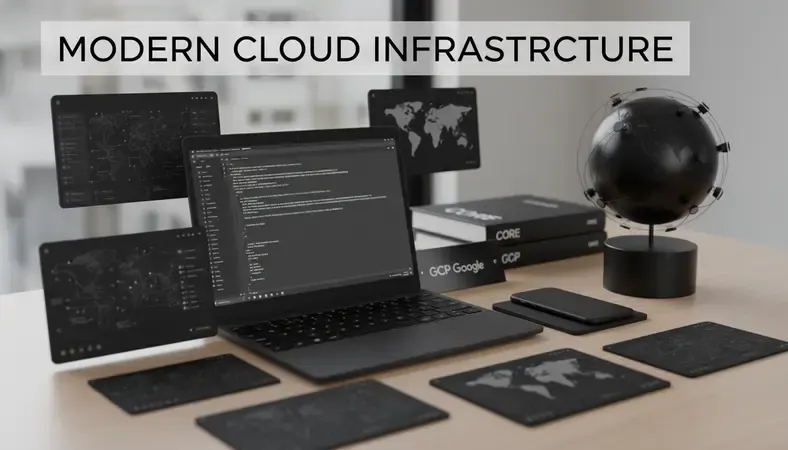
At its core, GCP google cloud platform gives you access to the same infrastructure Google uses internally. When you deploy an application on GCP, it runs on the same physical network that handles billions of daily searches. That is not a marketing claim — it is a technical reality that affects latency, reliability, and data transfer speeds.
Think of GCP as renting space in Google's data centers. You bring your application or data, Google provides the hardware, networking, cooling, power, and security. You configure what you need through a browser-based console, a command-line tool, or APIs.
The platform organizes its services into categories: compute, storage, databases, networking, AI and machine learning, developer tools, and security. Each category contains multiple products designed for different use cases — from running a simple website to training a large language model.
Key Insight: GCP google cloud platform is particularly strong in data analytics and AI workloads. Google's internal machine learning research directly feeds into products like BigQuery and Vertex AI, giving GCP a genuine technical edge in these areas over competitors.
GCP vs AWS vs Azure: Key Differences
Choosing between the three major clouds is one of the most common decisions businesses face. Here is how GCP google cloud platform stacks up against its two main competitors.
Comparing the Three Major Cloud Providers
| Dimension | GCP Google Cloud Platform | AWS | Azure |
|---|---|---|---|
| Market Share | ~11% (third largest) | ~33% (dominant leader) | ~22% (strong second) |
| Strongest Area | Data analytics, AI/ML, Kubernetes | Broadest service catalog, enterprise | Microsoft integration, hybrid cloud |
| Pricing Model | Per-second billing, sustained use discounts | Per-hour billing on many services | Consumption-based, hybrid benefit discounts |
| Managed Kubernetes | GKE (original Kubernetes creator) | EKS | AKS |
| Best For | Data-heavy workloads, startups, SaaS | Enterprises needing breadth | Microsoft-heavy organizations |
| Free Tier | 90-day, $300 credit | 12 months, limited always-free tier | 12 months, $200 credit |
GCP google cloud platform tends to win on price for compute-heavy workloads because of its sustained use discounts — the longer a virtual machine runs in a month, the cheaper each hour becomes, automatically. AWS charges per hour on many instance types, which adds up differently. Azure wins when you are already running Microsoft workloads like Active Directory, Office 365, or SQL Server.
For SaaS product companies and ecommerce businesses, GCP's Kubernetes Engine (GKE) is worth special attention. Google invented Kubernetes, the container orchestration system that most modern cloud-native applications rely on. GKE is the most mature managed Kubernetes offering available.
If you are evaluating AWS Services alongside GCP, the key question is whether your team already has AWS expertise. Switching clouds has real migration costs. If you are starting fresh, GCP google cloud platform's pricing structure and AI capabilities make it a strong starting point.
GCP Services and Products Overview
GCP google cloud platform organizes its services into functional categories. Here are the ones that matter most for small businesses, SaaS teams, and ecommerce operations.
Compute
- Compute Engine: Virtual machines (VMs) you configure yourself. Choose CPU, memory, storage, and operating system. Equivalent to a physical server you rent by the second.
- Google Kubernetes Engine (GKE): Managed Kubernetes for containerized applications. Ideal for SaaS products that need to scale individual components independently.
- Cloud Run: Serverless containers. You deploy code, GCP handles everything else — no server management required. Excellent for APIs and microservices.
- App Engine: Platform-as-a-Service for web applications. You write code, App Engine handles deployment, scaling, and infrastructure.
Storage and Databases
- Cloud Storage: Object storage for files, images, backups, and static assets. Ecommerce businesses use this to serve product images at scale.
- Cloud SQL: Managed MySQL, PostgreSQL, and SQL Server. Automated backups, failover, and patching — without a database administrator.
- Firestore and Bigtable: NoSQL databases for applications that need flexible data structures or massive write throughput.
- BigQuery: Google's flagship data warehouse. Runs SQL queries across terabytes of data in seconds. The analytics tool that differentiates GCP google cloud platform most clearly from competitors.
AI and Machine Learning (Google Cloud AI)
Google Cloud AI is one of the most compelling reasons to choose GCP google cloud platform. The platform offers:
- Vertex AI: A unified platform for building, training, and deploying machine learning models. Includes AutoML for teams without data science expertise.
- Vision AI, Speech-to-Text, Natural Language API: Pre-built AI models accessible via API. An ecommerce business can add image recognition to product search without training a model from scratch.
- Gemini API: Access to Google's latest large language model for building AI-powered features into applications.
According to Google Cloud's official documentation, over 70% of unicorn startups globally run on GCP — largely because of the AI and data tools available at accessible price points.
Networking and Developer Tools
- Cloud CDN: Delivers content to users from the nearest edge location. Critical for ecommerce sites serving customers across India and internationally.
- Cloud Load Balancing: Distributes traffic across multiple servers automatically. Handles traffic spikes without manual intervention.
- Cloud Build and Artifact Registry: CI/CD pipeline tools for automating software deployment. SaaS teams use these to ship code faster with fewer errors.
GCP Pricing and Cost Structure
GCP google cloud platform uses a consumption-based pricing model — you pay for what you use, billed by the second for most compute resources. There is no upfront commitment required, though committing to one or three years through Committed Use Discounts (CUDs) reduces costs by 37–55% compared to on-demand pricing.
How GCP Billing Works
- On-demand pricing: Pay the standard rate per second of usage. Best for variable or unpredictable workloads.
- Sustained use discounts: Automatically applied when a VM runs for more than 25% of a month. No action required — GCP calculates and applies the discount automatically.
- Committed use discounts: Commit to a specific resource level for one or three years. Offers the deepest savings but requires predictable usage.
- Spot VMs (Preemptible VMs): Up to 91% cheaper than standard VMs. GCP can reclaim these instances with 30 seconds notice. Best for batch jobs, data processing, and fault-tolerant workloads.
For a small business or early-stage SaaS product, the free tier is a practical starting point. GCP google cloud platform's Always Free tier includes 1 f1-micro VM per month, 5 GB of Cloud Storage, and 10 GB of BigQuery queries per month — permanently, not just during a trial period.
The $300 free credit for new accounts (valid for 90 days) covers meaningful experimentation. A typical web application running on a small VM, Cloud SQL instance, and Cloud Storage costs roughly $50–150 per month depending on traffic — though exact figures vary based on your configuration.
Why It Matters: Cloud computing costs can grow unexpectedly if you do not set up budget alerts. GCP's Cloud Billing console lets you set hard spending limits and receive alerts at defined thresholds. Set these up on day one.
Who Should Use Google Cloud Platform?
GCP google cloud platform is not the right choice for every situation. Here is an honest breakdown.

GCP is a strong fit if you: * Build data-heavy applications that need real-time analytics (BigQuery is genuinely best-in-class) * Run containerized applications and want the most mature Kubernetes environment * Need Google Cloud AI capabilities — image recognition, NLP, or custom ML models — without building from scratch * Are a SaaS company that wants per-second billing and automatic sustained-use discounts * Run an ecommerce business that needs global CDN coverage and reliable uptime for product catalogs and checkout flows
GCP may not be the best fit if you: * Are deeply embedded in the Microsoft ecosystem (Azure integrates more naturally with Active Directory, Teams, and SQL Server) * Need a specific service that only AWS offers (AWS has the largest service catalog by a significant margin) * Have a team with existing AWS certifications and no budget for retraining
For Cloud Computing Architecture decisions, GCP google cloud platform's strength is in multi-region deployments and data pipeline workloads. A SaaS product that processes user data, runs analytics, and serves a global audience will find GCP's networking and BigQuery combination particularly effective.
Small businesses that do not have dedicated IT staff benefit from GCP's managed services — Cloud SQL, Cloud Run, and App Engine all reduce operational overhead significantly compared to self-managed infrastructure.
Getting Started with GCP
Getting started with GCP google cloud platform takes less than an hour for basic setup. Here is the practical sequence.
- Create a Google Cloud account: Go to cloud.google.com and sign in with a Google account. You will need a credit card to verify identity, but you will not be charged during the free trial.
- Activate the $300 free credit: The trial credit activates automatically. You have 90 days to use it across any GCP services.
- Create a project: Every resource in GCP belongs to a project. Projects organize billing, permissions, and services. Create one project per application or environment (development, staging, production).
- Set up billing alerts: Go to Billing → Budgets and Alerts. Set a budget threshold and configure email notifications. This prevents surprise charges.
- Choose your first service: For most small businesses, start with either Compute Engine (for a virtual machine) or Cloud Run (for deploying a containerized application without managing servers). For data work, start with BigQuery.
- Install the Google Cloud CLI: The
gcloudcommand-line tool lets you manage resources from your terminal. It is faster than the console for repetitive tasks. - Explore the GCP Console: The browser-based console at console.cloud.google.com gives you a visual interface for every service. The dashboard shows resource usage, costs, and active services at a glance.
For teams new to cloud computing, GCP google cloud platform offers free learning resources through Google Cloud Skills Boost (formerly Qwiklabs), where you can complete hands-on labs using real GCP environments without paying for resources.
GCP Security and Compliance Features
Security in Cloud is not an optional feature — it is the foundation. GCP google cloud platform is built on Google's security model, which protects infrastructure serving billions of users daily.
Core Security Capabilities
- Identity and Access Management (IAM): Controls who can access which GCP resources and what actions they can take. Follows the principle of least privilege — users get only the permissions they need.
- Cloud Armor: Web application firewall and DDoS protection. Filters malicious traffic before it reaches your application. Ecommerce businesses handling payment data should enable this.
- VPC Service Controls: Creates security perimeters around GCP resources to prevent data exfiltration. Relevant for SaaS companies handling sensitive customer data.
- Secret Manager: Stores API keys, passwords, and certificates securely. Applications retrieve secrets at runtime rather than storing them in code.
- Cloud Key Management Service (KMS): Manages encryption keys for data at rest and in transit. All data on GCP is encrypted by default using Google-managed keys; KMS lets you use your own.
Compliance Certifications
GCP google cloud platform maintains certifications relevant to businesses operating in regulated industries:
- ISO 27001, 27017, 27018: Information security management standards
- SOC 1, 2, and 3: Service organization controls for financial and operational reporting
- PCI DSS Level 1: Required for businesses processing credit card payments
- GDPR compliance: Data processing agreements available for European customer data
For Indian businesses, GCP operates data centers in Mumbai (asia-south1) and Delhi (asia-south2), which means you can store and process data within Indian borders — relevant for compliance with India's data localization requirements under the Digital Personal Data Protection Act.
The relationship between AI and Cloud security is worth noting here. As more businesses deploy Google Cloud AI models, GCP's security model extends to AI workloads — including data isolation between customers and audit logging of model interactions.
Common Questions About GCP Google Cloud Platform
Is GCP google cloud platform suitable for small businesses?
GCP google cloud platform works well for small businesses, particularly because of its free tier and pay-per-second billing. You do not need to commit to a minimum monthly spend. A small business running a website, a database, and basic analytics can operate on GCP for $30–80 per month. The managed services (Cloud SQL, Cloud Run, App Engine) reduce the need for technical staff to manage infrastructure.
How does GCP pricing compare to running your own servers?
Running physical servers requires upfront hardware costs, ongoing maintenance, electricity, cooling, and staff time. GCP google cloud platform converts these into a variable operating expense. For most small businesses and SaaS companies, the total cost of ownership on GCP is lower than on-premises infrastructure once you account for staff time and hardware refresh cycles. The break-even point typically comes at enterprise scale — large organizations with stable, predictable workloads sometimes find on-premises cheaper at very high volumes.
What is the difference between GCP regions and zones?
A region is a geographic area — for example, Mumbai (asia-south1). Each region contains multiple zones, which are independent data centers within that region. Zones protect against single-point failures. If one data center loses power, your application can fail over to another zone in the same region automatically. Deploying across multiple zones is a standard practice for any production application on GCP google cloud platform.
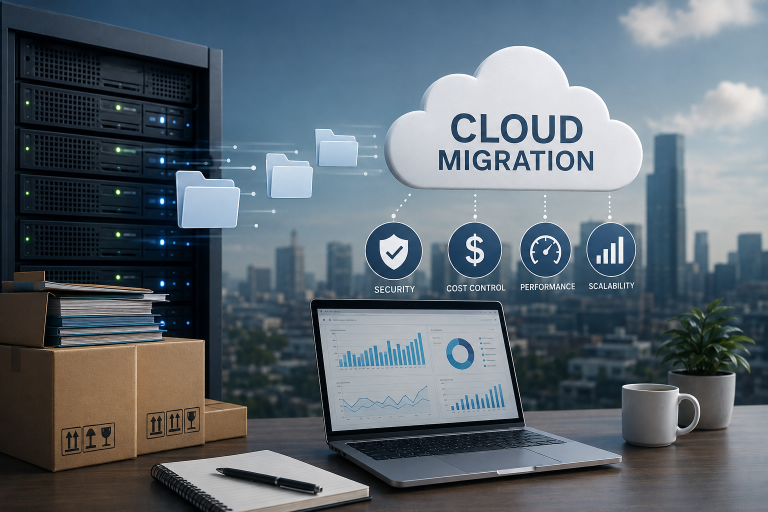
Can I migrate an existing application to GCP?
Migration is possible and GCP offers tools to help. The Migrate to Virtual Machines service lifts existing VMs from on-premises or other clouds into Compute Engine. Database Migration Service handles moving databases to Cloud SQL with minimal downtime. For most applications, migration involves three phases: assessment (understanding what you have), migration (moving workloads), and optimization (right-sizing resources for cloud-native efficiency). Google Cloud also offers migration credits and professional services for larger migrations.
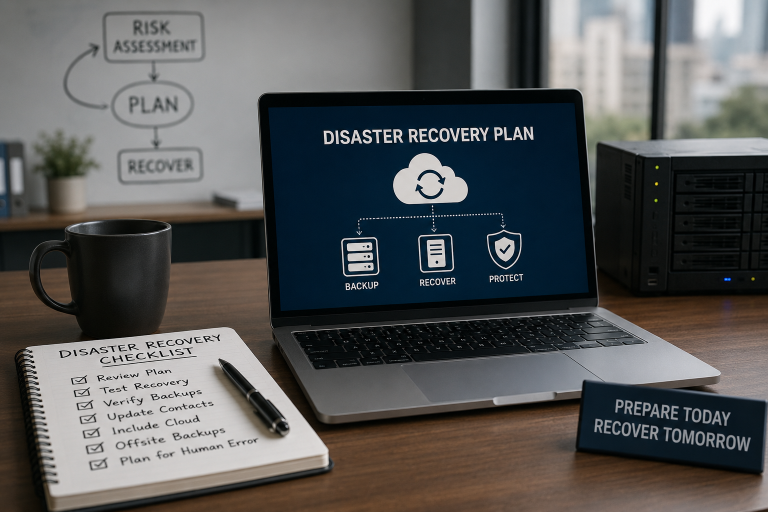
How does GCP handle data backup and disaster recovery?
GCP google cloud platform includes built-in backup capabilities for managed services. Cloud SQL performs automated daily backups with point-in-time recovery. Cloud Storage stores data redundantly across multiple locations by default. For custom disaster recovery architectures, GCP's multi-region deployments and Cloud Storage replication give you the tools to build recovery point objectives (RPOs) and recovery time objectives (RTOs) appropriate for your business. VPS Web Hosting Services on traditional infrastructure typically require manual backup configuration — managed cloud services automate this by default.
Final Thoughts
GCP google cloud platform gives small businesses, SaaS teams, and ecommerce companies access to infrastructure and AI tools that were previously available only to large enterprises. The per-second billing, sustained use discounts, and mature Kubernetes environment make it a technically and financially practical choice for most cloud-native workloads.
Reduce your cloud infrastructure overhead with Sygitech — Sygitech's managed GCP services handle setup, cost optimization, and ongoing operations so your team focuses on building product, not managing servers. Ready to get started? Visit Sygitech to learn more.