

Ask any IT leader if their company has a disaster recovery plan. Almost everyone will say yes. Ask them when they last tested it, and the confidence usually drops fast. That gap between having a plan and actually being ready catches most businesses off guard. It might be a ransomware attack, a failed server, or someone deleting the wrong folder at the wrong time.
Here is the honest truth. Most companies do not fail at disaster recovery because they never wrote a plan. They fail because of a handful of quiet, repeatable disaster recovery mistakes. Nobody catches these mistakes until the pressure is on. This post walks through the most common ones. Each comes with a real world style example. Spot the pattern in your own setup before it turns into an actual crisis.
Mistake 1: Writing the Plan Once and Never Touching It Again
Picture a mid sized logistics company. It built a thorough DR document back in 2021 and covered every server it had at the time. Three years later, half those servers no longer exist. The team added two new cloud applications along the way. The person who wrote the original plan left the company last spring. The recovery team pulled up the document during a ransomware incident. It referenced systems that no longer existed.
An outdated plan is basically a historical document, not a working tool.
Treat your DR plan like a living file. Set a recurring calendar reminder every quarter and review it against whatever has changed. Review it more often if your infrastructure changes fast. This one habit alone eliminates a huge chunk of preventable mistakes.
Mistake 2: Never Actually Testing the Plan
Think of a healthcare clinic. It ran nightly backups faithfully for years. Nobody tried restoring from one of those backups until the day they actually needed it. That is when they discovered the backup files had been silently corrupting for months. A misconfigured storage setting caused the problem. The nightly job reported success every single time. It just was not saving anything usable.
This happens far more often than people expect. It hides in plain sight because everything looks fine on paper.
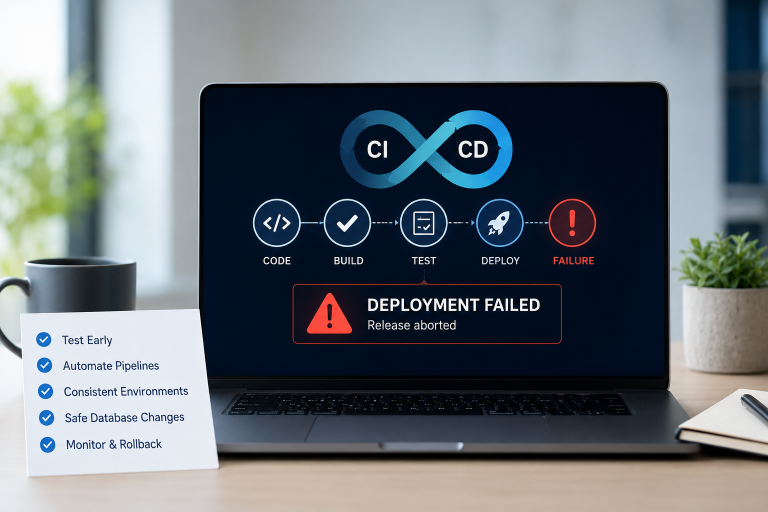
The fix takes discipline, but it is simple in concept. Run a real recovery test at least twice a year. Skip the tabletop discussion and actually restore data on test infrastructure. Time it and document it. If something breaks during the test, that is a good thing. Better to find it during a drill than during a real crisis.
Mistake 3: Setting Recovery Targets That Nobody Verifies
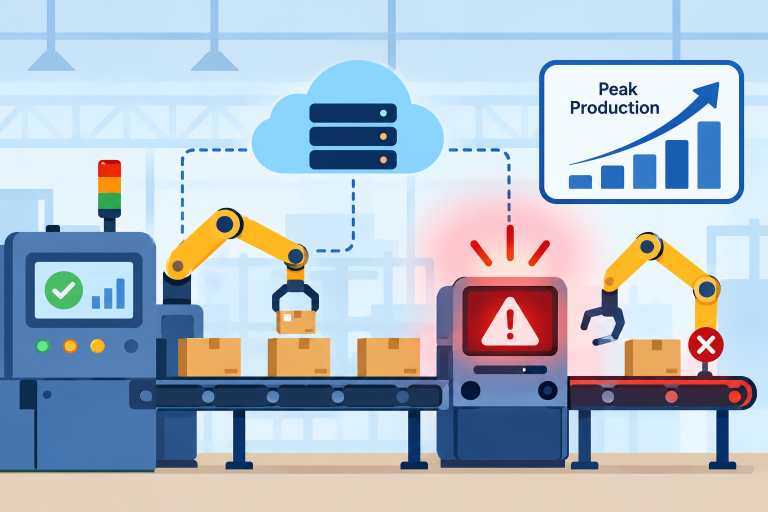
A retail company once told its board it could restore critical systems within two hours. That number went into the compliance report, and everyone felt good about it. Then an outage hit during a peak sales weekend. The real recovery time turned out to be closer to nine hours. Nobody had ever tested whether two hours was realistic for their infrastructure.
Recovery Time Objective and Recovery Point Objective numbers only mean something once you verify them. Otherwise they are just guesses dressed up as commitments.
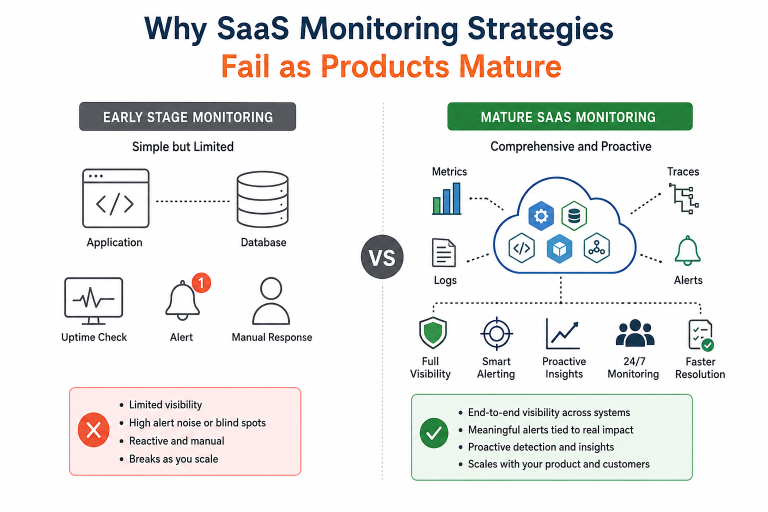
Identify which systems truly need near instant recovery and which ones can wait. Continuous oversight through 24/7 IT Monitoring services often makes the biggest practical difference here. It flags problems early, long before they turn into an outage that blows past your recovery targets.
Mistake 4: Keeping All Your Backups in One Place
A small architecture firm backed up its project files every single day. It stored those backups on a drive sitting right next to the main server in the same office. A pipe burst in the ceiling one weekend. The flood destroyed both the primary system and the backup drive in one shot. The firm lost years of project files in an afternoon.
This story sounds almost too obvious once you hear it. It still happens constantly because backing up locally feels safe and convenient.
Spread your backups across at least two locations. Keep one copy physically or geographically separate from your main site. Cloud storage solves this cheaply for most businesses today, so there is rarely a good excuse to skip it.
Mistake 5: Forgetting That the Cloud Needs a DR Plan Too
A software startup assumed its cloud provider automatically handled disaster recovery. The provider did keep the infrastructure running. But a junior developer accidentally deleted a production database table. The company had no internal process to undo it quickly. The cloud provider’s resilience did not cover a mistake made from inside the company’s own account.
This is a subtle but very real category of disaster recovery mistakes. Moving to the cloud does not automatically mean you are covered.
Make sure your DR plan explicitly covers your cloud environments, SaaS tools, and cloud databases. Write clear steps for recovering from configuration errors and accidental deletions, not just provider level outages.
Mistake 6: No Plan for Who Talks to Whom
A financial services firm faced a multi hour outage. The technical team actually recovered systems fairly quickly. The real delay came from confusion. Nobody knew who should update the executives or talk to affected clients. Nobody knew who could approve emergency spending on extra cloud resources. Nobody had written any of that down. The team wasted precious hours on confused phone calls instead of recovery work.
Technical steps only solve half the problem. Write out exactly who declares an incident, who leads recovery, and who handles internal and external communication. Keep this list accessible even if your email system itself is down.
Mistake 7: Planning Only for the Big, Dramatic Disasters
A marketing agency had a detailed plan for surviving a major cyberattack. It included a full response team and an escalation matrix. Then an employee accidentally deleted a shared folder holding months of client assets. The plan covered bigger scenarios, so nobody knew how to restore the folder quickly. That single mistake took the agency offline for two days.
Human error causes far more data loss than dramatic, headline grabbing events. It rarely gets the same attention in planning.
Build fast recovery steps for everyday mistakes too, alongside your plans for bigger scenarios. Role based permissions, activity logs, and quick file recovery tools cover these smaller, far more common incidents.
The Root Causes Behind a Collapsing DR Strategy
If any of these examples felt familiar, you are not alone. Even organizations that invest real time and money into DR planning often watch their strategy fall apart. It tends to happen exactly when it matters most. Our companion piece on why disaster recovery plans fail digs deeper into the structural reasons behind this. It is worth reading alongside this post for the fuller picture behind these disaster recovery mistakes.
A Quick Checklist Before You Close This Tab
- Review your DR plan every quarter, not once a year
- Run a real recovery test, not just a discussion, twice a year
- Set recovery targets based on real business impact, then verify them
- Store backups in more than one location, including offsite or cloud
- Include cloud tools and SaaS platforms in your recovery scope
- Write down who communicates what, and to whom, during an incident
- Plan for small everyday mistakes, not only major catastrophic events
Conclusion
None of these disaster recovery mistakes are exotic or hard to spot once you see them laid out. They are small, human oversights that happen in busy IT departments everywhere. The businesses that recover fastest did not somehow avoid every disaster. They tested their plan, kept it current, and revisited it long before the emergency showed up.
If your team needs an extra set of hands, consider a provider that offers managed IT services.That kind of partner watches your infrastructure and your DR readiness. It keeps watching even on the days your team is focused on everything else. That steady attention often makes the real difference between a rough afternoon and a genuine crisis.